

A buyer's guide to smart BMS functions
The label 'smart' is not a feature list: confirm the exact monitoring, configuration and interface functions. Compare app or protocol support, settings access and firmware model before shortlisting a part.
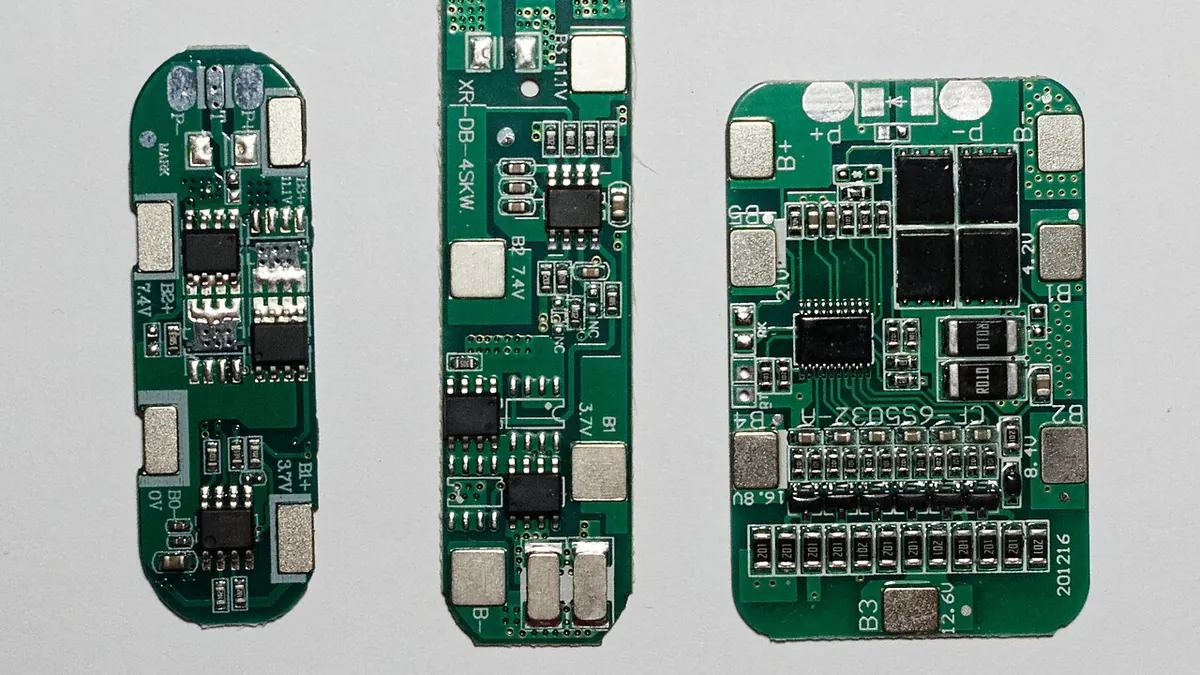

Choosing parts for a pack requiring configuration and status reading is a system decision, not a product-photo decision. This guide focuses on smart BMS functions. The word smart can describe an app, a communications port or configurable thresholds; the available functions vary by board. The goal is a shortlist that can be checked against actual project needs and current model documents.
Define the working requirement
Write down the load, installation envelope, environment and service needs before opening a catalogue. For smart BMS functions, compare basic protection against monitored smart board. Decide which dimensions or electrical limits are fixed, and which can be negotiated. List the functions needed in the project and confirm the actual app, protocol, firmware and access method for that model.
Read the technical data
For every shortlisted model, record app or protocol support, settings access and firmware model. Use the maker's current datasheet or drawing, not a value from a nearby variant. A BMS selection starts with cell chemistry and the number of series groups. Next compare current path, protection thresholds, temperature sensing and sense-lead order. Communications and balancing are separate capabilities and should be checked in the exact maker document. If the listing omits a field, request it rather than treating an empty specification as approval.
Specification check at a glance
- Compare basic protection against monitored smart board in the same application.
- App or protocol support: record the exact model-specific detail and its source; include a unit, drawing or test condition where that field needs one.
- Settings access: record the exact model-specific detail and its source; include a unit, drawing or test condition where that field needs one.
- Firmware model: record the exact model-specific detail and its source; include a unit, drawing or test condition where that field needs one.
- Confirm the SOC display and the exact mating or mounting details.
Compare the alternatives
Place basic protection against monitored smart board side by side using the same application and units. A cheaper or larger-looking option is only useful if it meets the entire requirement. Note which candidate needs another component, different mounting or a revised connector. Capture those changes in the comparison table and the total assembly cost.
Check interfaces and fit
Locate the SOC display and other adjoining parts in the real assembly. Check mating geometry, available clearance and the way the part is mounted, disconnected and serviced. List the functions needed in the project and confirm the actual app, protocol, firmware and access method for that model. A photograph can help identify a family, but it cannot verify the hidden pinout, material or tolerances.
Common mistakes
One avoidable error is buying on the word smart without confirming supported functions. Also avoid carrying a rating from a different model into this decision or assuming the pictured accessories are included. If a key value has no source, mark it open and resolve it before ordering a production quantity.
What to request from the supplier
Send the supplier the intended application, quantity, target delivery location, required documents and the current drawing or part reference. Ask for the exact proposed model and any alternatives as separate quote lines. Record whether the quote includes SOC display, what is optional and which interface requires confirmation.
Questions before you order
- Which exact manufacturer model, document revision and Buyer World SKU identify the candidate?
- What evidence confirms app or protocol support, settings access and firmware model for the quoted model?
- Does the quote include SOC display, or must it be listed as a separate BOM line?
- What drawing or mating-part reference supports fit in a pack requiring configuration and status reading?
- Who will review any substitution before the first sample and the repeat order?
Practical next step
Open the linked product cards as candidates, then compare their live prices and availability with the exact documents. Buyer World can provide a starting shortlist and quotation; final compatibility and installation remain project-specific. Keep the approved model and revision on the BOM for repeat orders.
Products to compare
These are starting points. Confirm the exact model, ratings and mating parts against your project requirements.
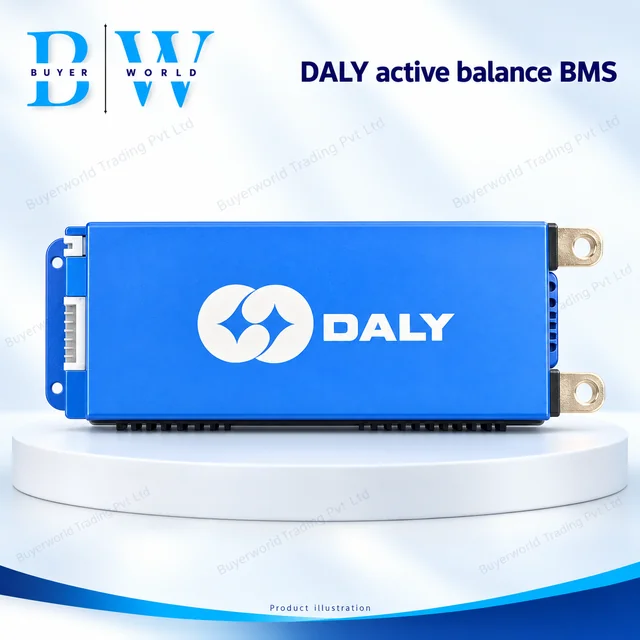
DALY 100BAL 4-8S 100A — Smart Battery Management System (BMS). Sold by Buyer World in piece units; minimum order 1. Match the model, dimensions and electrical ratings to your application before ordering.
View full specifications & documents →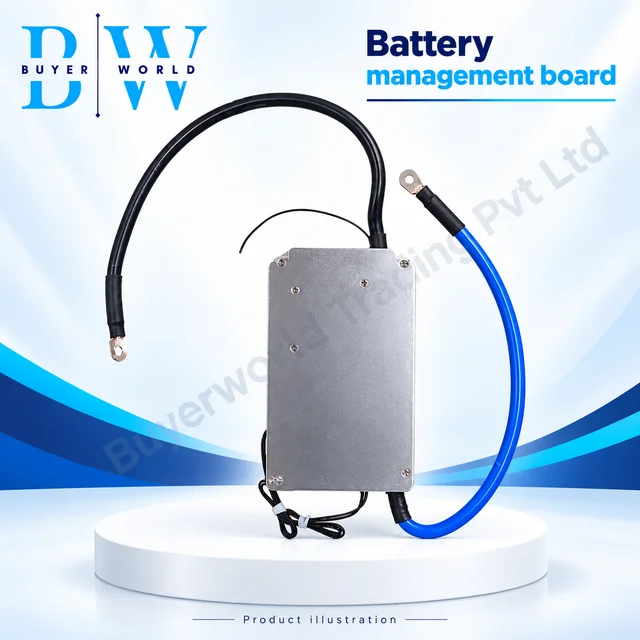
Smart JBD 200A with Relay AP21S002 — Battery Management System (BMS). Sold by Buyer World in piece units; minimum order 1. Match the model, dimensions and electrical ratings to your application before ordering.
View full specifications & documents →Smart JBD 300A with Relay AP21S002 — Battery Management System (BMS). Sold by Buyer World in piece units; minimum order 1. Match the model, dimensions and electrical ratings to your application before ordering.
View full specifications & documents →