

Smart BMS functions: compatibility and BOM checklist
Set basic protection against monitored smart board side by side, verify app or protocol support, settings access and firmware model, then confirm the SOC display on the BOM.
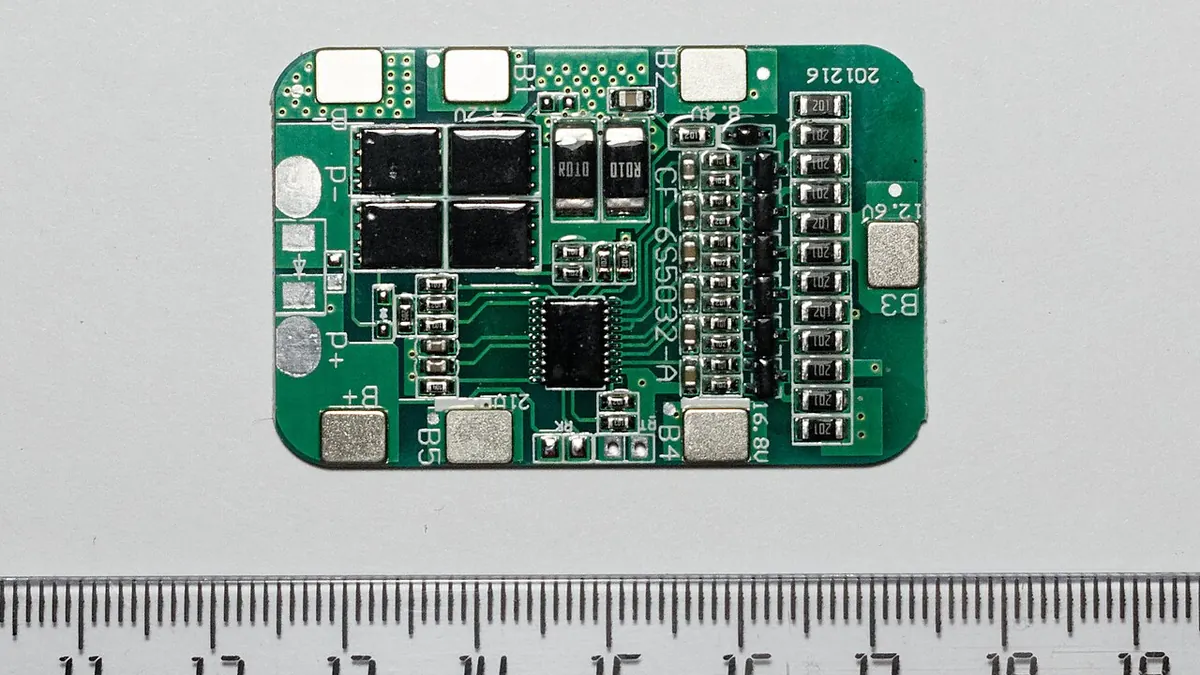

Use this checklist when selecting parts for a pack requiring configuration and status reading, with particular attention to smart BMS functions. It keeps a sample, approved BOM and repeat order aligned. The word smart can describe an app, a communications port or configurable thresholds; the available functions vary by board.
Step 1: Freeze the application
State what a pack requiring configuration and status reading must achieve, including load, space, mounting, environment and maintenance. Identify who will approve the design. The word smart can describe an app, a communications port or configurable thresholds; the available functions vary by board. A clear application brief prevents the quote from being driven by an attractive photograph or a single headline figure.
Step 2: Collect exact model data
For each candidate, collect the full maker model, product revision and the current datasheet or drawing. Extract app or protocol support, settings access and firmware model; include units and test conditions where applicable. Keep the source next to the line item. If a required detail is absent, mark the item 'needs clarification' rather than approving it by assumption.
Specification check at a glance
- Compare basic protection against monitored smart board in the same application.
- App or protocol support: record the exact model-specific detail and its source; include a unit, drawing or test condition where that field needs one.
- Settings access: record the exact model-specific detail and its source; include a unit, drawing or test condition where that field needs one.
- Firmware model: record the exact model-specific detail and its source; include a unit, drawing or test condition where that field needs one.
- Confirm the SOC display and the exact mating or mounting details.
Step 3: Map interfaces
Draw the connection between smart BMS functions, the SOC display and neighbouring parts. Record mating halves, orientation, leads, fasteners, protective elements and service access. List the functions needed in the project and confirm the actual app, protocol, firmware and access method for that model. Confirm that any accessory pictured online is actually in the quoted supply.
Step 4: Compare candidate parts
Compare basic protection against monitored smart board with the same criteria and the same revision of the application brief. Note fit, documentation, availability and any change to other BOM lines. A BMS selection starts with cell chemistry and the number of series groups. Next compare current path, protection thresholds, temperature sensing and sense-lead order. Communications and balancing are separate capabilities and should be checked in the exact maker document. A different headline price may conceal additional connector, tooling or enclosure work.
Step 5: Inspect a sample
When a sample arrives, match the marked part and supplied accessories to the approved model. Inspect dimensions and fit against the drawing without energising an unreviewed assembly. Log deviations and obtain technical approval before using the sample to define a repeat purchase.
Step 6: Release the BOM
Avoid buying on the word smart without confirming supported functions. Freeze the accepted model, quantity, unit and substitute rule in a revisioned BOM. Attach the maker document and drawing reference. Any later change to chemistry, material, termination or form factor should reopen the affected design checks.
Review questions
- Which exact manufacturer model, document revision and Buyer World SKU identify the candidate?
- What evidence confirms app or protocol support, settings access and firmware model for the quoted model?
- Does the quote include SOC display, or must it be listed as a separate BOM line?
- What drawing or mating-part reference supports fit in a pack requiring configuration and status reading?
- Who will review any substitution before the first sample and the repeat order?
Before production
Browse the linked Buyer World product cards for candidates and current availability, then close the open evidence items with the manufacturer and project reviewer. A complete checklist helps purchasing follow a sound engineering decision; it does not replace one.
Products to compare
These are starting points. Confirm the exact model, ratings and mating parts against your project requirements.
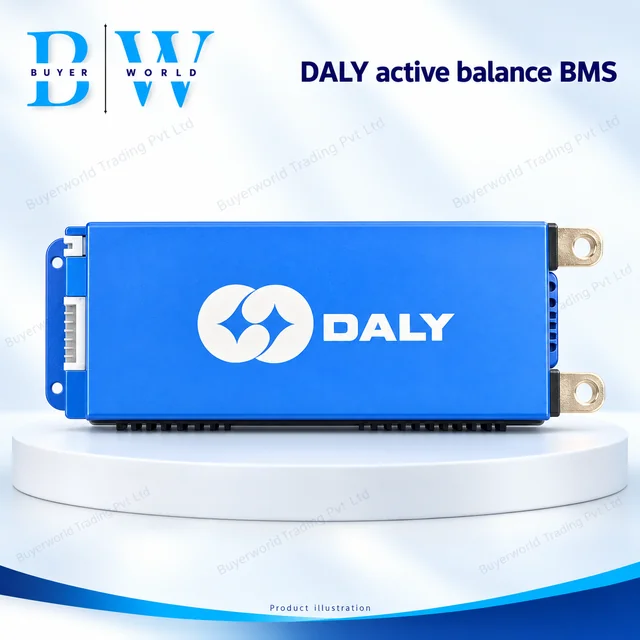
DALY 100BAL 8-17S 150A — Smart Battery Management System (BMS). Sold by Buyer World in piece units; minimum order 1. Match the model, dimensions and electrical ratings to your application before ordering.
View full specifications & documents →DALY 100BAL 8-17S 200A — Smart Battery Management System (BMS). Sold by Buyer World in piece units; minimum order 1. Match the model, dimensions and electrical ratings to your application before ordering.
View full specifications & documents →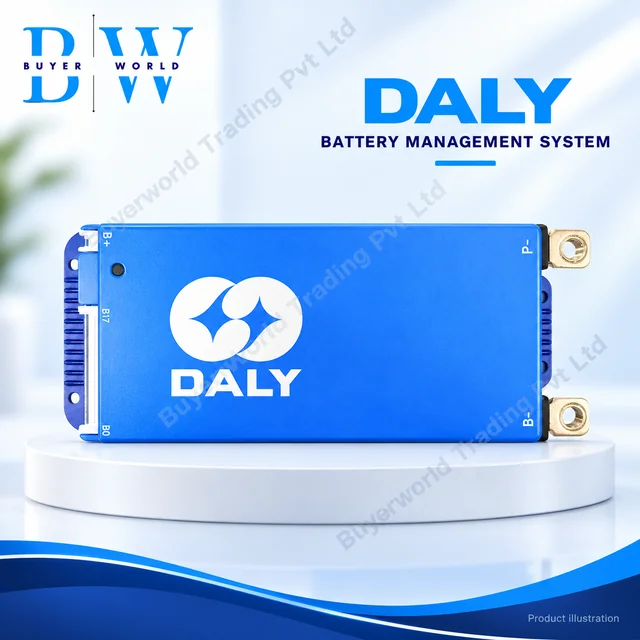
DALY 100BAL 8-17S 300A — Smart Battery Management System (BMS). Sold by Buyer World in piece units; minimum order 1. Match the model, dimensions and electrical ratings to your application before ordering.
View full specifications & documents →