

Component datasheet review: compatibility and BOM checklist
Set headline listing against manufacturer document side by side, verify model code, revision, ratings and test conditions, then confirm the BMS datasheet on the BOM.
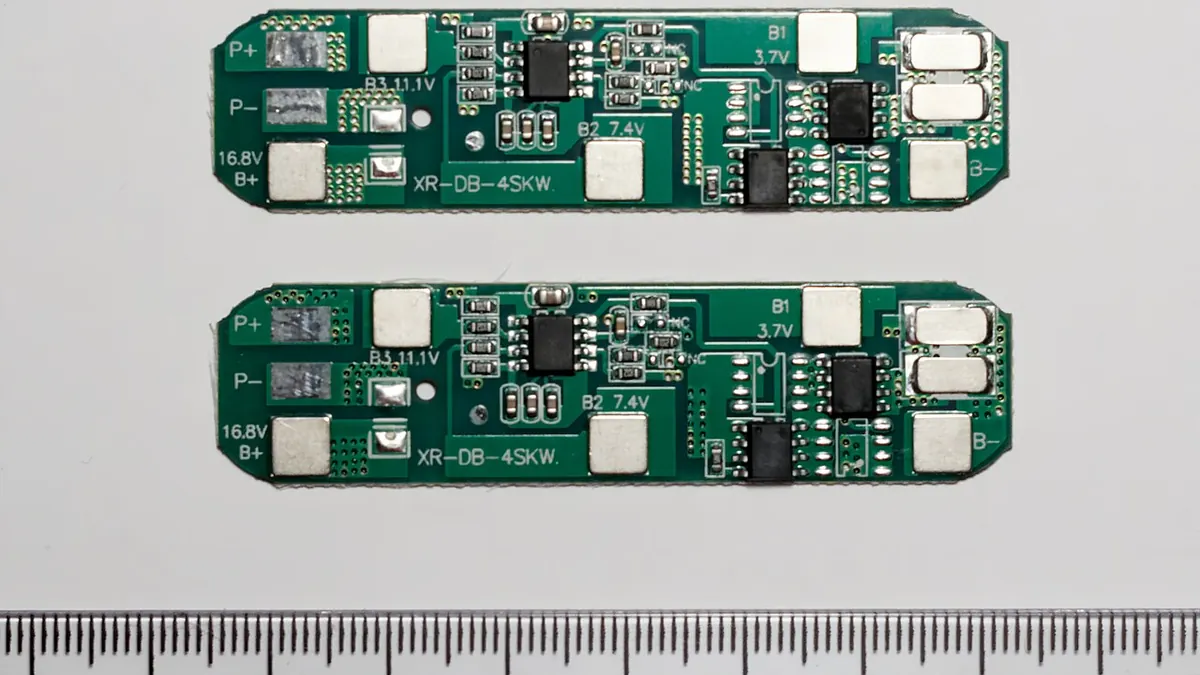

Use this checklist when a component's listing is short, a PDF is attached, or a supplier proposes an alternative. Work from exact part identity through ratings and physical interfaces, then release a documented conclusion. The guide is about reviewing evidence, not certifying any particular product in the Buyer World catalogue.
Confirm the exact part identity
Write down the full manufacturer name and model code from the quote or product marking. Match that string to the datasheet title and any ordering-code table. A family-level brochure may help orient the search, but it may not specify the selected suffix, terminal, firmware or material variant.
Check the document revision and source
Prefer the current maker document for the exact part. Record its revision or issue date and source URL or approved copy. If the only available PDF belongs to another model, mark the evidence gap rather than transferring its figures. Confirm superseded documents or errata when a supplier changes the quoted revision.
Read ratings with their conditions
For each relevant limit, capture the value, unit and conditions under which it applies. Separate absolute limits from recommended operation, continuous from short-duration figures, and a laboratory value from the intended enclosure or cable setup. For a BMS, chemistry and cell count also matter; for a connector, the contact and wire affect the assembly.
Read the drawing with the table
Dimensions, tolerance, hole centres, pin orientation and cable entry may determine whether the item can be installed. Check the drawing for the exact variant and compare it with the project's own assembly drawing. A product photograph cannot resolve a hidden pinout or confirm that the mating half is supplied.
Compare alternatives fairly
Create rows for full model, document revision, required ratings, mechanical fit, mating parts, certifications only when evidenced, availability and open questions. Do not score a blank field as a pass. Ask for missing evidence and record a proposed substitute as a separate candidate rather than editing the approved item in place.
Keep an evidence trail
Attach or link the maker datasheet and dimensioned drawing to the BOM or project record. Note which figures were used in the decision and which require a test or engineering review. When the product or document revision changes, revisit the affected checks before repeat purchasing.
Questions to ask before approval
- Does the maker document match the complete quoted model code?
- Is the revision current for the supplied variant?
- Which values are limits, and under what conditions were they measured?
- Do the drawing and pinout match the assembly and mating parts?
- Which fields remain unverified, and who will close those gaps?
Use the result responsibly
The Buyer World product cards show current catalogue candidates and commercial details. Use the exact maker documents to assess technical suitability and have the project's qualified reviewer approve the integration. A linked PDF is evidence only if it matches the supplied model and the relevant conditions.
A practical comparison example
Suppose two listings share a headline current rating. First confirm that both PDFs match the offered models. Then compare how each maker defines that rating, including temperature, conductor or heat-sinking conditions, and the relevant operating limits. Finally compare drawings and the mating parts. If one PDF lacks a needed condition, request clarification; the shared headline number alone is not a reason to call them interchangeable.
Products to compare
These are starting points. Confirm the exact model, ratings and mating parts against your project requirements.
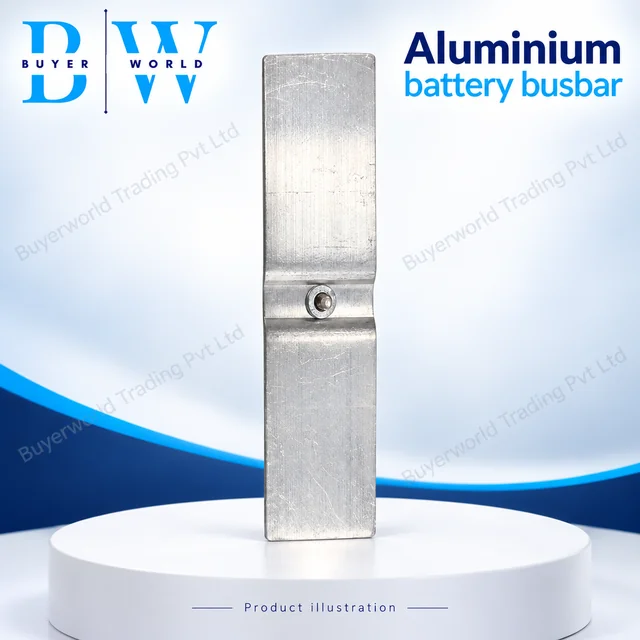
90 × 25 × 2 mm Clinch — Aluminium Bus Bar. Sold by Buyer World in piece units; minimum order 25. Match the model, dimensions and electrical ratings to your application before ordering.
View full specifications & documents →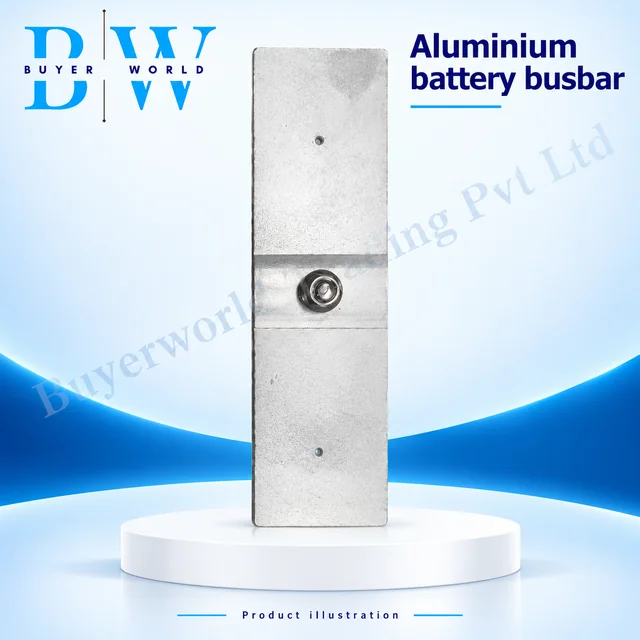
95 × 30 × 2 — Aluminium Bus Bar. Sold by Buyer World in piece units; minimum order 25. Match the model, dimensions and electrical ratings to your application before ordering.
View full specifications & documents →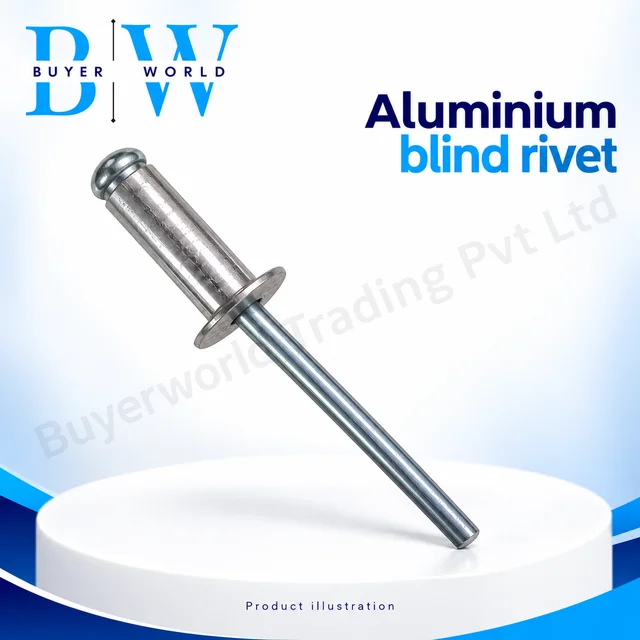
Aluminium (Pack of 1K(1000))3/16" — Screw Rivet. Sold by Buyer World in piece units; minimum order 1. Match the model, dimensions and electrical ratings to your application before ordering.
View full specifications & documents →