

Battery BOM preparation: compatibility and BOM checklist
Set informal shopping list against revisioned bill of materials side by side, verify SKU, quantity, accepted substitute and drawing revision, then confirm the connectors on the BOM.
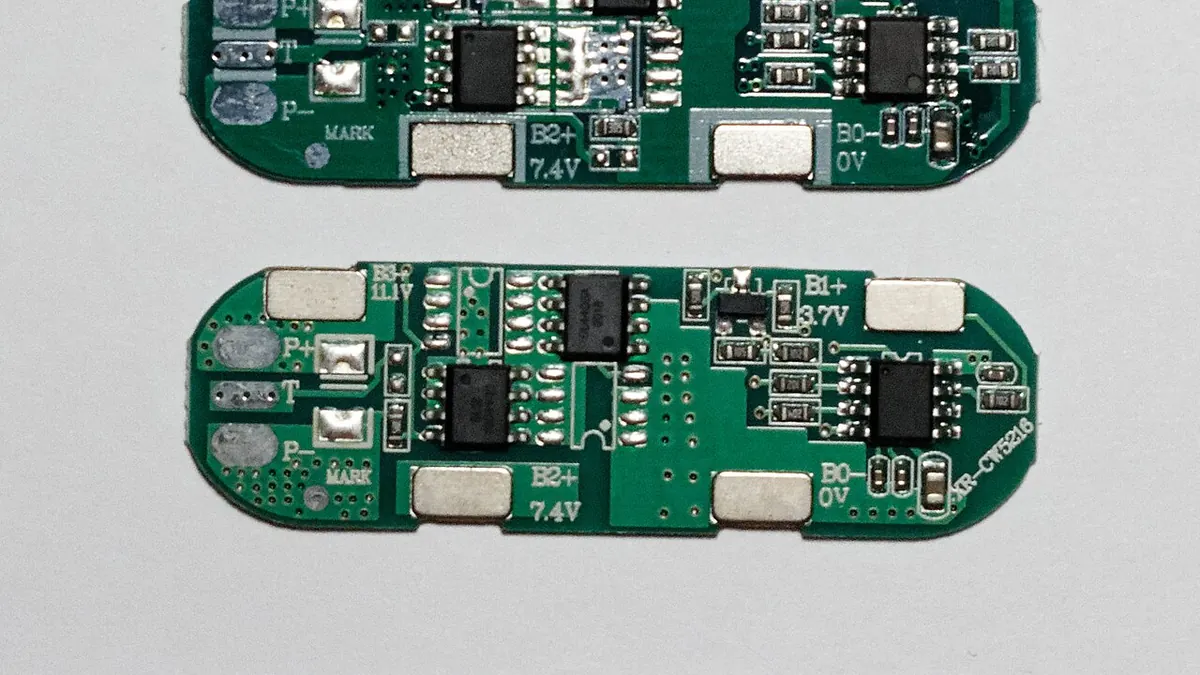

Use this workflow to prepare a battery BOM before requesting a quotation. It works from assembly drawing to line items, then through supplier clarification, sample inspection and revision control. It helps purchasing and engineering keep the approved configuration stable without pretending that a catalogue category is a finished design.
Start with the assembly boundary
Define what the supplier is expected to provide: loose components, a wired subassembly or a completed battery pack. List the cell model, protection board, conductors, insulation, enclosure and external connections as applicable. Mark customer-supplied items separately. An unclear boundary creates omissions and double counting before price comparison even begins.
Give every line an exact identity
Record a Buyer World SKU or full manufacturer model, manufacturer name, descriptive specification, purchase unit and required quantity. Attach the relevant drawing or maker-document revision when size, material, pinout or setting matters. For custom parts, include a dimensioned drawing instead of a nickname such as 'standard bus bar'.
List mating and assembly parts
A connector may need a second housing, contacts, cable, seals or termination hardware. Enclosures may need glands and handles; a battery pack may need a BMS lead and insulation pieces. Put these on separate lines unless the supplier explicitly confirms that they are included in a kit or finished assembly.
Compare quotations on equal scope
Ask each supplier to identify the exact proposed part against each BOM line. Separate exact matches, alternatives and missing information. Compare quantity breaks, purchase units and lead times after confirming technical scope; a low line price is not comparable when a mating contact or required document is absent.
Make substitutions explicit
For critical electrical or mechanical items, state whether substitution is prohibited, allowed from a named list, or subject to written engineering approval. A proposed change in chemistry, material grade, cell format, connector family or BMS model should trigger the affected compatibility checks and a new BOM revision.
Inspect the first sample
Check visible markings, count, material declaration where relevant, included accessories and drawing fit against the approved BOM. Log any deviation. A sample inspection confirms identity and assembly fit; electrical safety and performance still need the project team's own validation plan.
Questions before releasing an order
- Are SKU, manufacturer model, quantity and purchase unit present on every line?
- Are mating connectors, contacts, glands and mounting parts included or listed separately?
- Which drawing and datasheet revisions govern the critical parts?
- Who can approve a substitute, and how will it be recorded?
- Does the quote clearly separate exact matches from alternatives and unresolved lines?
Keep the record useful
Save the issued BOM revision, supplier response, approved substitutes and sample inspection together. Use the same approved revision on a repeat order instead of reconstructing it from old emails. Buyer World's related product cards can help identify candidate components, but the final BOM must reflect the actual assembly and its documented interfaces.
How to read catalogue candidates
Use a product card to identify its current Buyer World SKU, name, price and availability. Then open the full product record for the manufacturer model, unit and any attached document. The card does not state that connectors, cable or protection hardware are included unless the exact listing says so. Transfer the verified model to the BOM and keep open questions visible until the supplier answers them.
Products to compare
These are starting points. Confirm the exact model, ratings and mating parts against your project requirements.
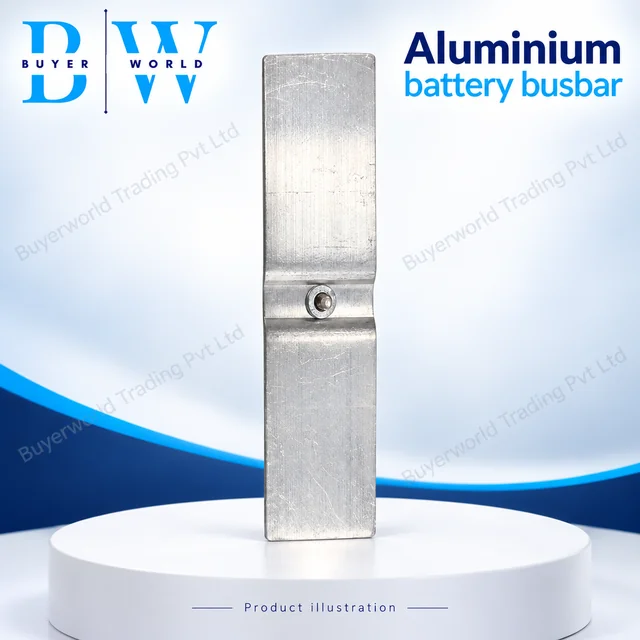
90 × 25 × 2 mm Clinch — Aluminium Bus Bar. Sold by Buyer World in piece units; minimum order 25. Match the model, dimensions and electrical ratings to your application before ordering.
View full specifications & documents →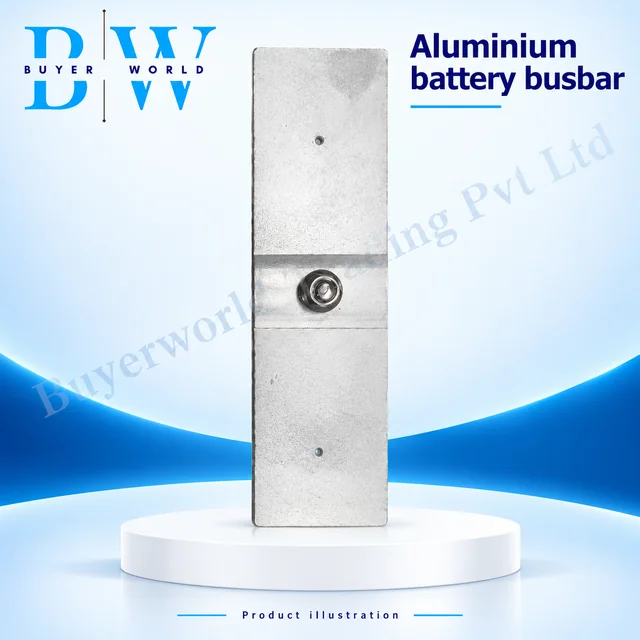
95 × 30 × 2 — Aluminium Bus Bar. Sold by Buyer World in piece units; minimum order 25. Match the model, dimensions and electrical ratings to your application before ordering.
View full specifications & documents →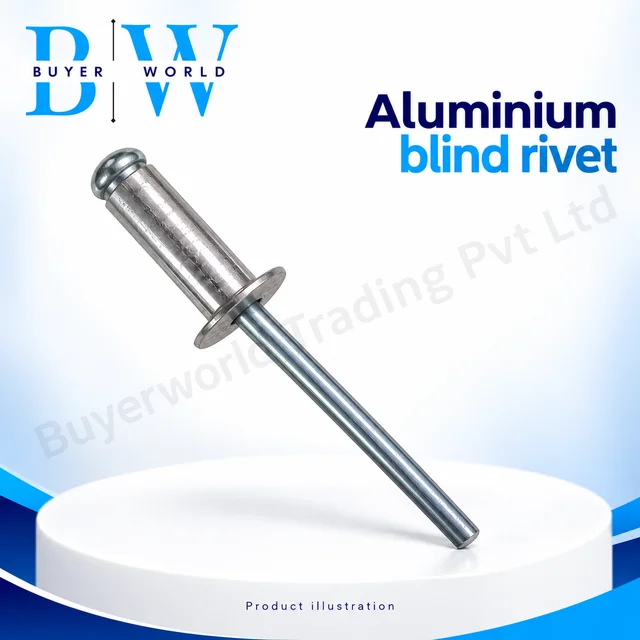
Aluminium (Pack of 1K(1000))3/16" — Screw Rivet. Sold by Buyer World in piece units; minimum order 1. Match the model, dimensions and electrical ratings to your application before ordering.
View full specifications & documents →